Rock Band Simulator Tools & Reference
Inputs, specs, and practical references so fights, jobs, and 21:00 gigs feel readable.
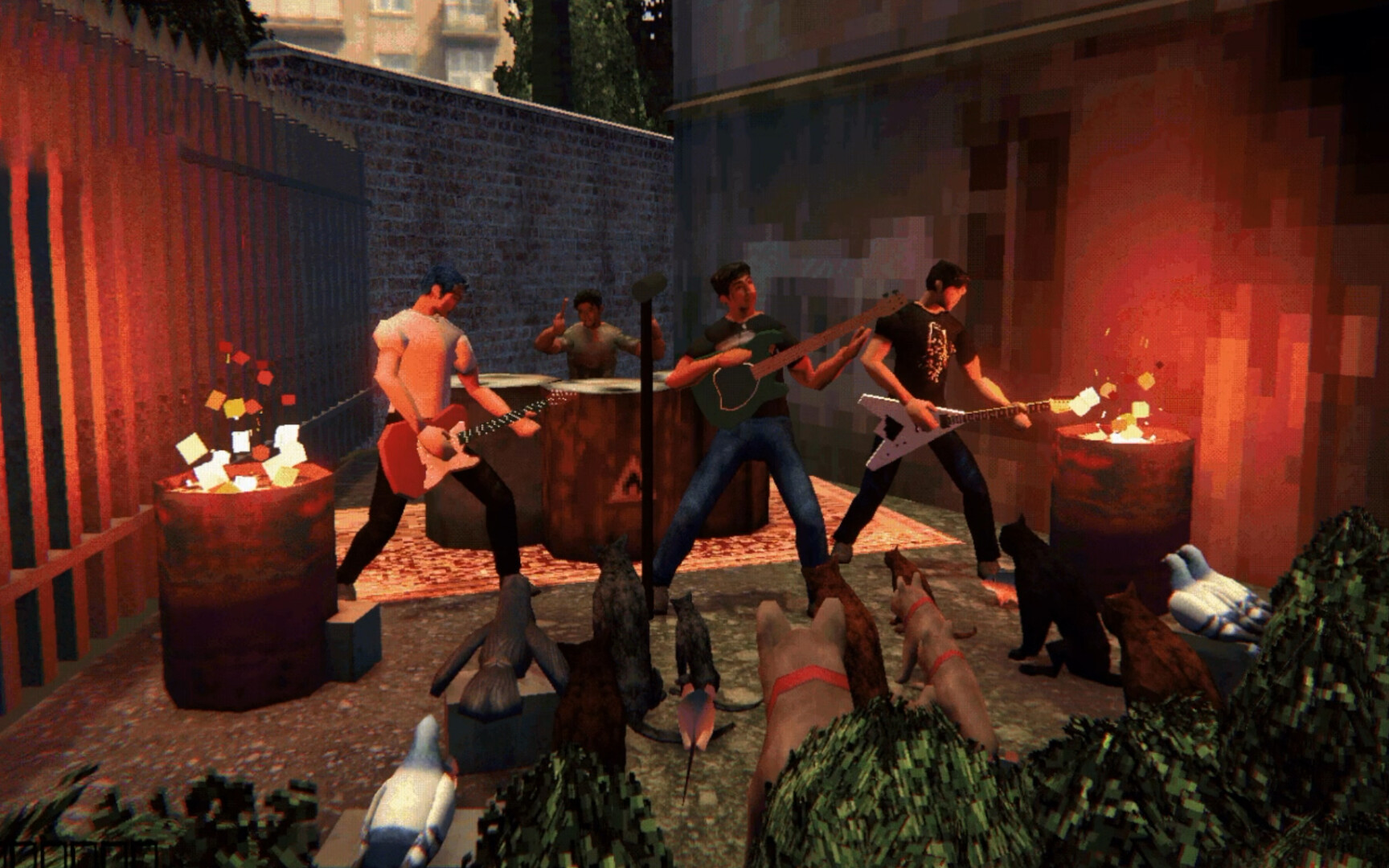
This hub collects practical tools for Rock Band Simulator on PC: how to move through Ashport on keyboard/mouse or controller, and whether your machine meets Steam’s minimum and recommended specs. The game is a single-player first-person life sim from KONTRĀST MEDIA and PlayWay S.A.—released November 20, 2026 (app 4697880)—with rhythm concerts, ADR combat, odd jobs, and band logistics around Evgen and Diman.
Use these pages when you are stuck in a fight tutorial, remapping pads, or checking if a GTX 750 Ti-class laptop will limp through the week.
Controls
Ashport teaches interact, punch, block, throwing, inventory, and concert note play early. Demo streams and in-game prompts align on a simple KB/M core: E to interact / talk / pick up, LMB to punch, RMB to block, plus bag/inventory access and rhythm inputs on stage. Full controller support covers Xbox and PlayStation pads on Steam.
Read the full reference: Controls.
Why it sits in Tools—not only Guides—because you will re-open it whenever a new mini-boss, bar fight, or concert timing pattern shows up in days 4–7.
System requirements
Official Steam minimums target Windows 10 64-bit, an i3-6100 / Ryzen 3 1200 class CPU, 4 GB RAM, GTX 750 Ti / RX 460 2 GB (DX11), and about 2 GB storage. Recommended bumps CPU to i5-8400 / Ryzen 5 2600, 8 GB RAM, and GTX 1060 / RX 580 4 GB on Windows 10/11. The game is lightweight compared to AAA simulators, but first-person exploration, fights, and concerts still appreciate stable frame pacing.
Full tables and notes: System Requirements.
How these tools support the rest of the wiki
- Learning punch/block timing makes moderate-risk work safer on the Jobs Tier List.
- Clean inputs protect the hands you need after you buy S-tier kit on the Gear Tier List.
- Controller comfort helps long sessions hunting Bandmates across Ashport.
- Spec checks prevent blaming narrative chaos on a machine that is simply under minimum.
New players should still start with Getting Started, then keep this Tools hub bookmarked beside Updates for patch-aware changes to prompts or accessibility.
Accessibility and quality-of-life context
Steam lists features such as save-anytime style comfort and play without relying solely on timing-critical input for some situations—useful if rhythm concerts or combat timing are intimidating at first. The demo already advertised full controller support; the full release keeps that promise. If mouse sensitivity felt wrong in early demo builds, know the studio shipped slider and QoL fixes during the demo period—another reason to read Launch Notes.
Official downloads and community
Hardware and input questions often overlap with “where do I get the demo?” and “where do devs post?” Keep Links handy for the main Steam store page, Discord invite, Instagram, community hub, and demo app 5173630.
Suggested reading order
- System Requirements — confirm the PC is ready.
- Controls — learn E / LMB / RMB / concert flow.
- Getting Started — apply inputs to day-one goals.
- Players Hub — spend those inputs on Evgen and Diman, not only street fights.
- Tier List Hub — spend daylight efficiently before 21:00.
Tools pages stay shorter on lore and longer on reference. When prompts change in a patch, we update Controls first, then adjust combat advice in jobs and bandmate guides.
Frequently Asked Questions
Quick answers about surviving Ashport and making the 21:00 show.
Do I need a controller for Rock Band Simulator?
No. Keyboard and mouse work. Steam lists full controller support for Xbox and PlayStation pads if you prefer a couch-friendly Ashport week.
Is 4 GB RAM enough?
4 GB is the official minimum. For fewer stutters while exploring, fighting, and performing, 8 GB (recommended) is the safer target.
Where are combat keys listed?
See the Controls page: interact with E, punch with left mouse, block with right mouse, plus throw and inventory prompts covered there.
Does this hub include builds or cheat tables?
No. Tools here means controls and system requirements—progression advice lives under Guides, Tier List, and Players.